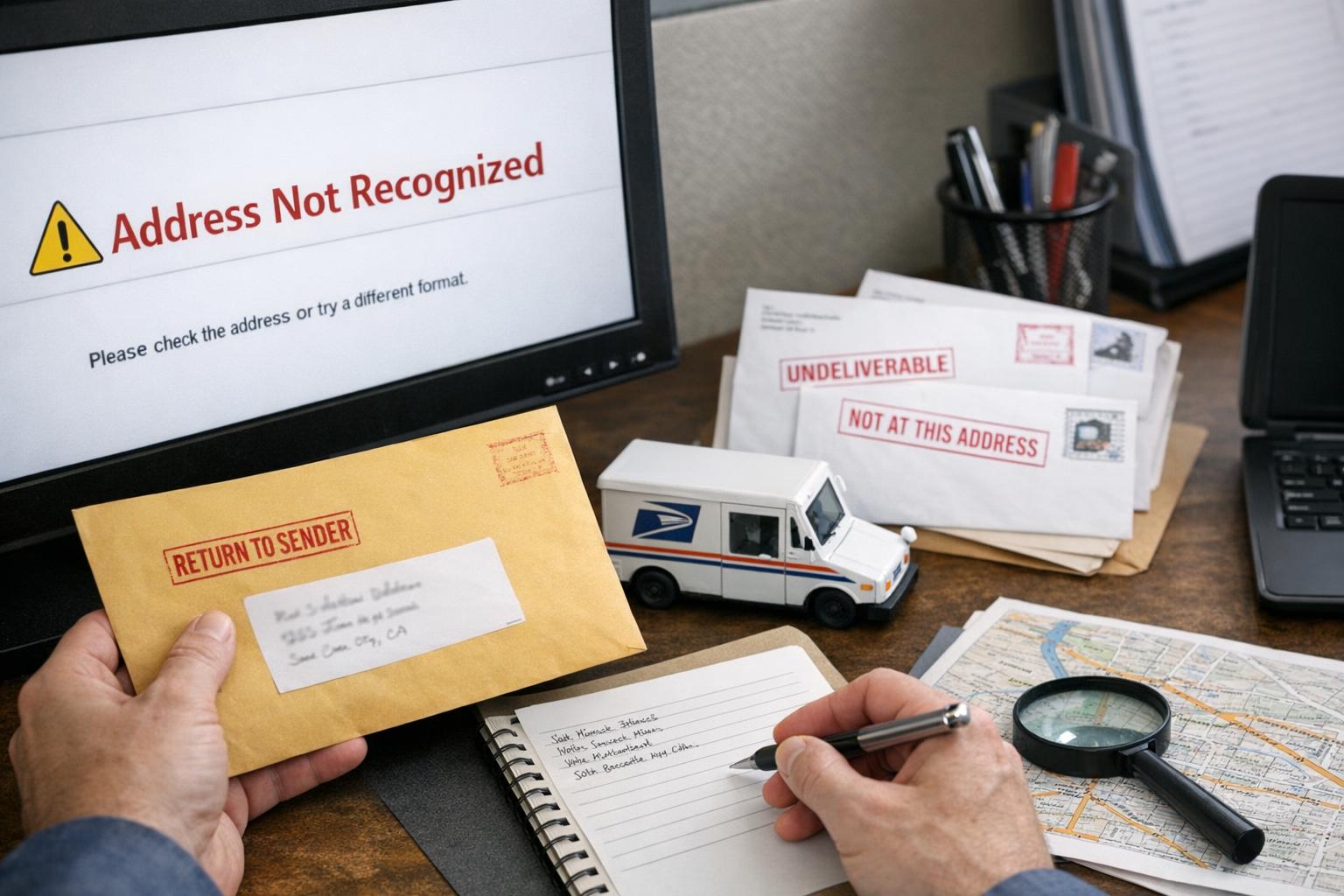
## How To Fix Address Not Recognized By USPS Quickly
If the USPS won’t accept your address in their system, start by treating it like a troubleshooting problem, not a mystery. You don’t need to call five different agencies or rewrite your lease. There are concrete reasons an address returns “not found,” and a few predictable fixes that will get mail back on track.
### Why USPS Says An Address Is Invalid
USPS validation uses a specific database and formatting rules. If your entry doesn’t match that database exactly, the system flags it. Common triggers include missing apartment or unit numbers, wrong street suffixes (Road vs. Rd.), misspelled street names, ZIP+4 mismatches, and new construction addresses that aren’t yet in the delivery file. Sometimes the issue is a simple typo you overlooked; other times the address legitimately isn’t in the Postal database because it’s new or under a different name.
#### Check For Typos And Abbreviations
A single wrong letter can block validation. Compare your address to the official USPS version:
– Street names spelled correctly.
– Proper unit designator (Apt, Suite, Unit — not just #).
– Standard USPS abbreviations for directionals (N, S, E, W) and suffixes (St, Ave, Blvd).
If you type “Llane” instead of “Lane,” the system may fail; human eyes miss these things all the time.
### Use The USPS Tools First
Go to the USPS ZIP Code Lookup or their Address Information API. These are the quickest ways to see what the postal service expects. Enter the full address and see whether USPS returns a match or suggests a corrected format. If the site returns a standardized address, copy that exact text into your systems.
#### How To Interpret Lookup Results
When USPS suggests a corrected format, pay attention to:
– ZIP+4: That extra four digits often pinpoint the correct delivery segment.
– Carrier Route: Helpful if you manage bulk mailings.
– The Primary Number and Predirectional: These matter more than you think.
If the lookup doesn’t return anything, don’t assume the address is wrong forever. It might be new construction or a recently renamed street.
### What To Do If Your Address Is New Construction
New addresses can take weeks or months to get into the USPS database. If you’ve just moved into a new build or a subdivision:
– Contact your local post office. They can tell you whether the address has been added to the delivery file or whether it’s being held in a different status.
– Ask your builder or municipal planning office if an address mapping (Address Assignment) was completed. If not, you’ll need their help to request one.
– Request a “temporary delivery” or arrange for pickup at the post office if necessary.
This is a common source of the “address not recognized” problem for people in new developments.
### Dealing With Apartment Or Unit Problems
A lot of valid addresses get rejected because the unit number is missing, formatted incorrectly, or not in the database. If your address is repeatedly rejected:
– Include the unit designator (Apt, Unit, Ste) and a number. Do not put it on a separate line if you’re working with software that expects a single-line format.
– Try variations if it still fails: “Apt 2B” vs. “#2B” vs. “Unit 2B.” One of them often matches USPS’s stored format.
– Confirm with your landlord or property manager about the official postal unit naming—sometimes buildings use “Suite” internally but USPS recognizes “Apartment.”
### Fixing Business And PO Box Address Issues
Businesses and PO Boxes follow slightly different rules. If you’re entering a business address:
– Use the exact business name and the USPS-recognized format for the street address.
– If you use a C/O line or trading name, try removing it just to validate the physical address.
For PO Boxes, make sure you include “PO Box” and the correct box number. The system will reject freeform entries like “Post Office Box 123” if the spacing or punctuation is off.
### If The USPS Lookup Fails: Contact Local Post Office
When web tools don’t help, it’s time to talk to a person. The local postmaster or a customer service representative at your post office can often identify whether the problem is data entry, a missing address assignment, or an error on the USPS end. Bring:
– Proof of residency or ownership (lease, deed).
– A copy of the address as you’re trying to use it.
They can sometimes push an update into the system or advise the correct format that will work.
#### What To Ask The Post Office
Don’t leave vague. Ask:
– Is this address in the USPS Address Management System?
– Is it assigned to the carrier route?
– If not, what is the process and expected timeline to add it?
Getting these specifics speeds everything up.
### When Software Or Merchant Sites Reject Your Address
Often the place where you get “address not recognized” is a private website—an online store, a bank, or a government form. These sites sometimes use their own validation libraries or outdated address datasets. If you encounter a rejection:
– Copy the USPS-standardized address from the USPS lookup into the site field exactly.
– If that fails, use the site’s help or customer service chat and tell them you have a USPS-validated address.
– Some sites accept “Use This Address Anyway” or let you enter a delivery instruction. Use those cautiously; it may work for the merchant, but carriers still rely on the underlying address data.
### Escalating A Persistent USPS Address Issue
If the problem persists after you’ve tried lookup, local post office help, and formatting fixes, escalate:
– File a ticket with USPS Customer Service or use the USPS Property & Address Management Service request forms. Provide photos, legal documents, and a clear description.
– Contact your city’s addressing or GIS department. They coordinate with USPS on official address assignments.
– For businesses doing mass mailings, consider using USPS Address Management Services or an address cleansing vendor to handle large datasets.
### How To Avoid Future Address Problems
Small changes now prevent headaches later. Keep these habits:
– Always use the USPS-validated format when creating user accounts, shipping labels, and billing records.
– Store the ZIP+4 where possible.
– In any internal address fields, separate street, unit, city, state, and ZIP into distinct fields—this makes standardized formatting easier.
– Update your address with USPS when you move using their official change-of-address form, and check that your new address appears in the lookup afterwards.
### Handling International And Rural Address Variations
Rural delivery and international-style addresses can trigger validation failures too. If your address includes crossroads, rural route numbers, or descriptive elements (like “3 miles east of…”), contact your post office for the standardized local version. For international addresses used in the U.S. system (such as military APO/FPO addresses), make sure you use the exact USPS-recommended formats.
### Common Mistakes That Keep Causing “Address Not Recognized”
Most failures come back to a few repeat offenders:
– Missing unit numbers.
– Wrong city/ZIP pairing (using a nearby city name instead of the official one tied to the ZIP code).
– Using non-standard abbreviations or punctuation.
– New construction not yet in the Postal database.
When you see the rejection, methodically check these items instead of reentering the whole address from memory.
### When To Use Third-Party Address Verification
If you manage lots of addresses—ecommerce sites, mailing lists, or client databases—consider an address verification service. These tools can batch-validate, append ZIP+4 codes, and flag likely problems before USPS sees them. They’re not free, but they save time and lower shipping errors. For small volumes, the USPS tools are usually enough.
### Real-World Example: How I Fixed A Neighbor’s Problem
My neighbor moved into a townhouse that the builder called “8B Willow Lane.” Online checkouts kept rejecting it. I ran the USPS lookup and found the official format was “8B Willow Ln, Unit B, [City], [ZIP+4].” The builder had omitted the unit designator. One call to the local post office confirmed the format; after that, packages arrived normally. Small tweak. Big difference.
### Quick Checklist To Run Through Right Now
Before you hit “submit” on any form:
– Use the USPS Lookup and copy the standardized text.
– Include unit designator.
– Use ZIP+4 if possible.
– Call the local post office if the lookup returns nothing.
– Keep one documented version (recieve it from USPS) to paste into systems.
If you follow these steps, you’ll resolve most cases of how to fix address not recognized by usps within a day or two. Some situations need the extra step—new builds or municipal renaming—but even then, knowing the right agency to contact gets the ball moving faster.
### When The Issue Is An Error In The USPS Database
Occasionally the database itself is wrong. If you have documents that prove the address is legitimate—utility bills, deed, or a business license—present them to the post office and ask for an Address Management escalation. With documentation, the correction usually happens faster, and you’ll stop seeing “address not recognized” on merchant sites and forms.
Keep a copy of the validated address on hand. Use it every time you register for a service. Do that, and this problem will become a rare annoyance rather than a constant blocker.