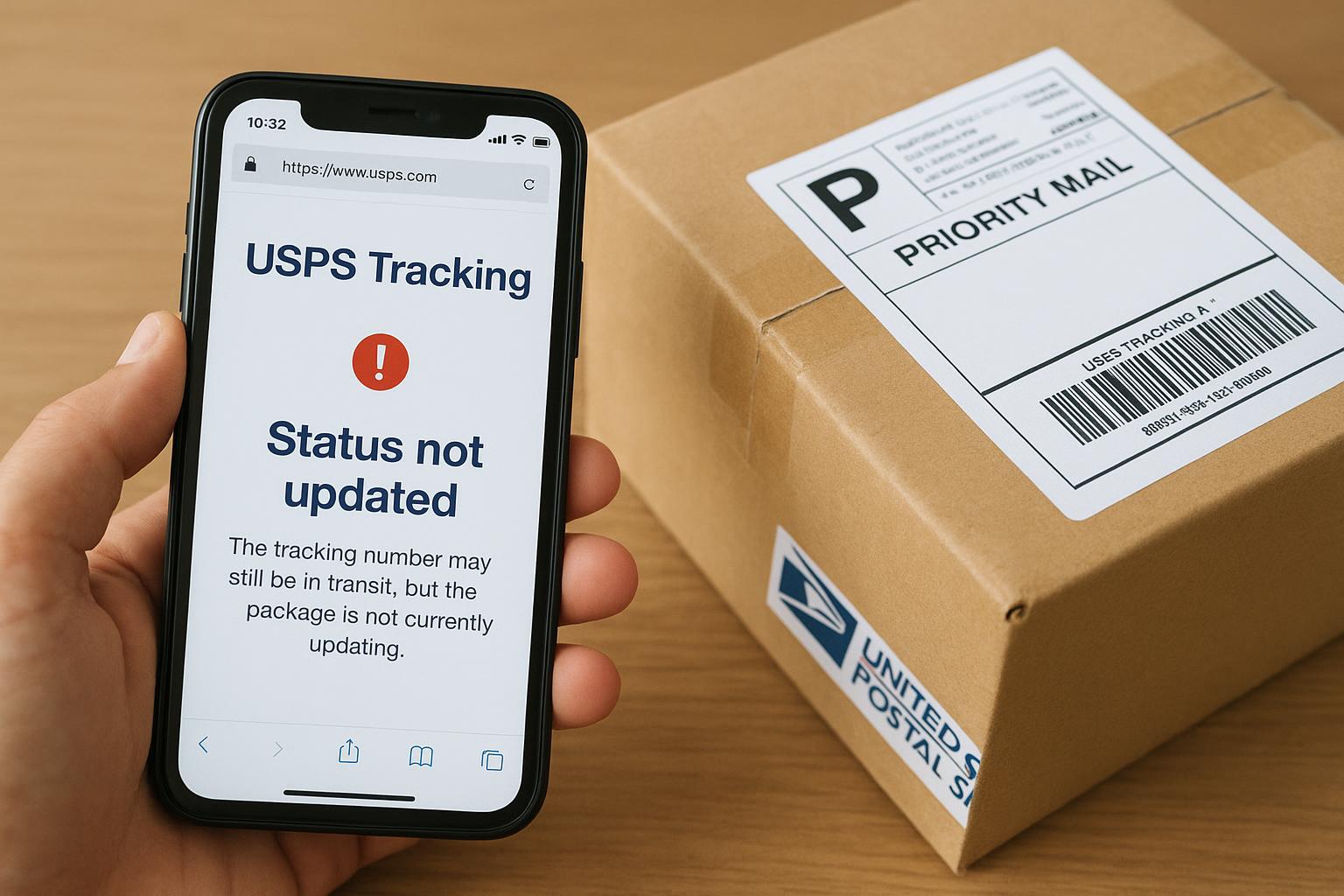
You can’t always trust the little tracking number to tell you the whole story. Most of the time a stalled status isn’t dramatic; it’s just paperwork catching up. But sometimes the silence on the tracking page points to a real problem you should act on. Here’s what’s actually happening when your tracking stops moving and what you can do about it.
## USPS Tracking Not Updating: Quick Reasons
A tracking entry is just a scanned event. When that scan never happens, the system looks frozen. That’s the simplest reality behind why usps tracking not updating shows up — no scan, no new status. That lack of data can come from a handful of clear operational causes that carriers deal with every day.
### Scanning Delays And Where They Happen
Scans happen at drop-off, pickup, facility intake, sorting centers, and out-for-delivery. If a package moves between sites without being rescanned you’ll see a blank stretch on the timeline. This is one of the most common tracking issues. It’s especially common for parcels that ride on pallets and aren’t individually scanned between large processing hubs.
Scanners can fail. Handheld units lose battery, Wi‑Fi can drop, or staff might skip a scan to move a pile of packages during a rush. Those practical, low-tech reasons are behind many reports of usps tracking not updating.
### Label Created But Package Not Yet In System
Sellers and shippers sometimes create a USPS label online and the system marks the shipment as “accepted” before the package reaches the network. If the shipper never physically drops the parcel off, tracking can sit at “Label Created” for days. That’s a common source of confusion and one of the easier tracking issues to resolve — ask the sender whether they actually handed it to USPS.
#### Missing First Scan Happens Often
If you see only a purchase or label-created notice and no subsequent scan, politely prod the sender. They may be waiting to batch boxes or forgot to drop the parcel. If they did drop it off, ask for the receipt barcode or proof of drop-off.
### Transit Bottlenecks And Physical Delays
Weather, staffing shortages, and holiday volume slow down physical movement. A storm that closes a distribution center can cause a wave of delayed scans. Similarly, when a facility is overwhelmed, packages may sit on a dock longer than normal. These lead to a common complaint: usps tracking delay across many packages moving through the same hub.
It stings when you’re waiting. But a delay caused by transit is different from a lost scan; parcels usually surface in the system once staff can complete batch processing and update records.
### Customs And International Hurdles
International shipments are a special case. A package can be cleared physically but held up in customs processing systems, creating a gap that looks like usps tracking not updating. Documentation errors, duties, and inspections add time and inconsistent scan patterns. If your tracking shows “Arrival at Unit” for days with no movement, customs could be the reason.
### Scans That Don’t Match The System
Sometimes the local scan is recorded but fails to sync with national tracking servers. That happens when systems queue updates and then push them in bulk. So the package may have been scanned for days but only shows up after a single synchronized update. That’s why you might see a long quiet period followed by several entries appearing at once.
### What To Do First: Practical Steps
1. Check the basics. Confirm the tracking number is correct and has no extra characters. Verify that the shipper didn’t email a preliminary label instead of proof of mailing.
2. Wait 24–48 hours for a maturity scan. Many delays resolve themselves within two days once facilities catch up.
3. Ask the seller or sender to confirm drop-off and provide the receipt number. If they used a collection box, a receipt or photo helps.
4. Use USPS tools. Informed Delivery and the USPS tracking page sometimes have different timings; try both. Calling local post offices where the last scan happened can be useful if you have an urgent need.
### When To Escalate
If tracking shows no change after 48–72 hours and you’ve confirmed the item was handed to USPS, escalate. File a help request on the USPS site or call customer support. Provide the tracking number, proof of mailing if you have it, and any photos or receipts. For sellers, opening a case with shipping insurance or the marketplace (Amazon, eBay) is appropriate.
If an urgent delivery is involved — medication, documents — push for local post office engagement. Drop in if possible. Speaking to a human at the last known facility sometimes prompts a manual search that an online ticket won’t.
#### Filing A Missing Mail Search Or Claim
USPS has tools for Missing Mail Search and for claims if the package is insured. Start a search first; a manual search may turn up an item that never scanned. If the package is declared lost, a claim is the next step. Keep your receipts, shipment proof, and any communication handy.
### Patterns That Point To Bigger Problems
– If multiple friends report the same usps tracking delay out of a particular hub, it’s likely a systemic backlog.
– If the tracking resets to “Delivered” but you never received it, that’s a different root cause — misdelivery or theft.
– If the timeline jumps backwards — for example, a scan in New York followed by a scan in California the next hour — that’s usually a data entry or network glitch.
### Preventing Future Headaches
Buy tracking with delivery confirmation and, when it’s valuable, add insurance. Ask sellers to drop parcels directly at a retail counter and request a printed receipt. Use delivery alerts and the mobile app so you’ll know quickly when scans happen. Also, choose carriers and services with appropriate scan frequency for valuable items. These steps won’t fix a stalled scan, but they cut down on uncertainty when tracking issues pop up.
You’ll see odd gaps in tracking from time to time. Most resolve once data catches up or staff clear a backlog. But when the gap stretches beyond a couple of days, or if the package is important, follow the steps above: confirm drop-off, wait briefly, then escalate if needed. A little persistence usually gets things moving again — or at least gets you the answers you need to file a claim or request a search. And if you ever need to explain a stalled order to a customer, clear documentation and proof of postage will carry you further than frustration ever will.
Note: in a few rare cases packages are mishandled or misplaced inside the network; those are the ones that require the most patience and paperwork to resolve. Keep records and don’t be shy about asking for updates — the more detailed you are, the faster staff can locate your parcel after a scan gap. If you see “usps tracking not updating” after taking these steps, consider opening a formal missing mail request so the search starts right away.